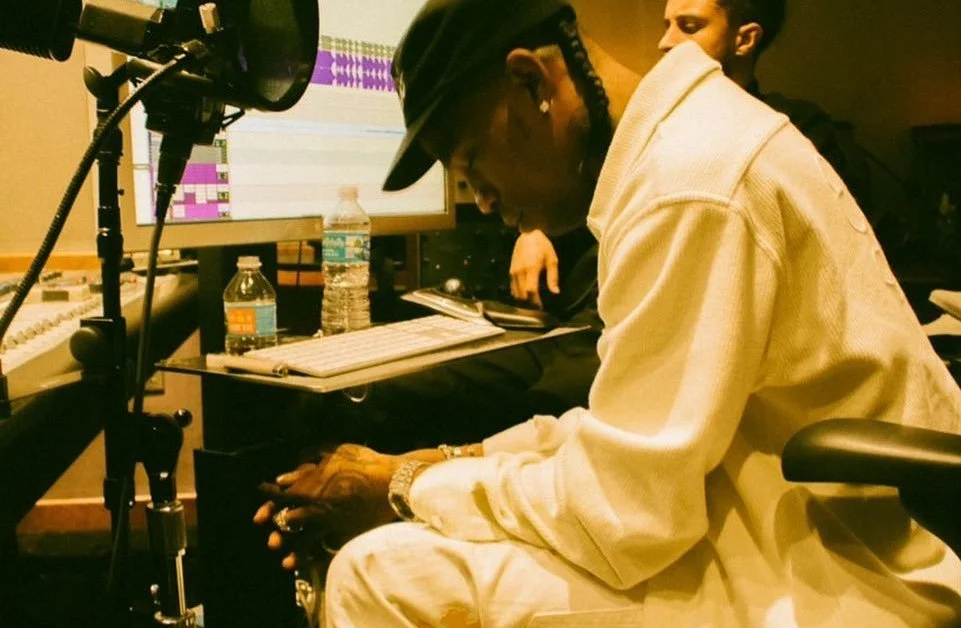
Auto-Tune is central to rage, jerk and underground rap vocals, but good tuning is not just turning the speed all the way up. You need the rig ht key, the right scale, the right retune speed and a vocal take with enough energy to carry it.
This guide breaks down the settings and choices that actually matter.
Start with the key
Before you touch retune speed, find the key of the beat.
Auto-Tune works by pulling the vocal towards notes in the key and scale you choose. If the key is wrong, the vocal might sound nearly right, but it will never sit properly.
A lot of rage, jerk and underground rap beats lean minor or darker melodically, but don’t just guess. Check the project, use a key finder, ask the producer or work it out against the main melody.
For most tracks, start with the actual key and scale. Use chromatic mode only if the melody moves outside one clear key, or if you want a looser, less scale-locked effect.
Retune speed is where the sound changes
Retune speed controls how quickly the plugin pulls your voice into tune.
Fast retune gives you that hard, synthetic, locked-in sound. Slower retune leaves more of the original performance in.
If you’re using an Auto-Tune-style plugin where lower values mean faster tuning, try:
Rage vocals: 0–8
Jerk vocals: 5–15
Melodic hooks: 10–25
These are starting points, not rules. Different plugins use different controls, so focus on the result: faster correction for a harder sound, slower correction for more movement.
For rage, the vocal usually needs to cut through heavy 808s, bright synths and busy drums. For jerk and more underground rap vocals, you might want the tuning to hit while still leaving some looseness in the delivery.
The goal is not perfect. The goal is intentional.
Rage vocals vs jerk vocals
Rage vocals usually need to feel sharp, locked and slightly unreal. They often sit against big synths, distorted low end and high-energy drums, so the tuning can be more aggressive.
Start with fast retune, the correct key, controlled compression, saturation, short delay and tight reverb.
Jerk vocals usually do not want to sound too polished. Part of the appeal is the looseness: casual delivery, rough texture, blown-out edges and vocals that still have movement.
Start with fast but not fully locked tuning, light saturation, short delays, controlled reverb and background layers that add character without cleaning everything up.
Badly mixed and intentionally rough are not the same thing. You still want control. You just do not want to sand all the personality out.
The take matters more than the preset
The vocal still needs intent.
Rage, jerk and underground rap vocals can be loose, raw or clipped, but they cannot be lifeless. Auto-Tune can exaggerate the energy of a take, but it cannot create it from nothing.
The take and energy in that take is the thing that separates a mid, skippable track and an engaging, memorable track. Even if it’s not your usual style.
Before changing plugins, check the basics:
Does the delivery sit with the beat?
Is the rhythm confident?
Does the melody have direction?
Are the ad-libs actually adding something?
A bad take with perfect settings still sounds like a bad take. A strong take with simple settings usually gets you much closer.
The vocal chain matters too
A simple vocal chain for this sound could be:
Basic cleanup
Auto-Tune
EQ
Compression
Saturation
De-esser
Delay
Reverb
Put Auto-Tune early in the chain, usually after basic cleanup and before heavy compression or effects.
Use EQ to cut mud, compression to keep the vocal present, and saturation to give it edge.
Delay and reverb should create space without washing the vocal out. If the vocal still sounds small, the problem might not be the tuning. It might need better doubles, ad-libs, delay throws or volume balance.
Common mistakes
The most common issue is the wrong key. If the key is wrong, no amount of retune speed will save it.
Other common mistakes:
Recording too quietly or too loud
Using too much reverb
Making every vocal layer the same volume
Adding distortion before the vocal is controlled
Tuning before cleaning up a messy recording
Copying the reference too closely
Trying to fix taste with plugins
That last one matters. Auto-Tune is a tool, not the whole identity of the track.
Quick starting settings
Hard rage vocal
Key: match the beat
Scale: usually minor, but check
Retune speed: very fast
Humanize: low
Effects: compression, saturation, short delay, tight reverb
Melodic rage hook
Key: match the beat
Scale: usually minor
Retune speed: fast to medium-fast
Humanize: medium
Effects: doubles, stereo delay, reverb
Jerk / underground rap vocal
Key: match the beat
Scale: minor or chromatic depending on the melody
Retune speed: fast, but not fully locked
Humanize: medium
Effects: light saturation, delay throws, ad-libs, controlled reverb
Final thoughts
Auto-Tune for rage, jerk and underground rap is not about making vocals perfect. It is about shaping the energy of the performance.
Start with the right key, choose a retune speed that fits the style, and build the rest of the sound with delivery, layers, saturation, delay and taste.
Working on vocals or beats? Explore more Echo World producer guides, sample packs and upcoming Beat Social™ events.
